Pick your plan, create your password, finish your coach profile, and connect Stripe. End to end, this takes about ten minutes.
Pick your plan at marrowfitness.com
Go to marrowfitness.com/coach/onboarding, enter your name and email, and create your password. With the code MARROW2026 your membership is free until January 1, 2027.
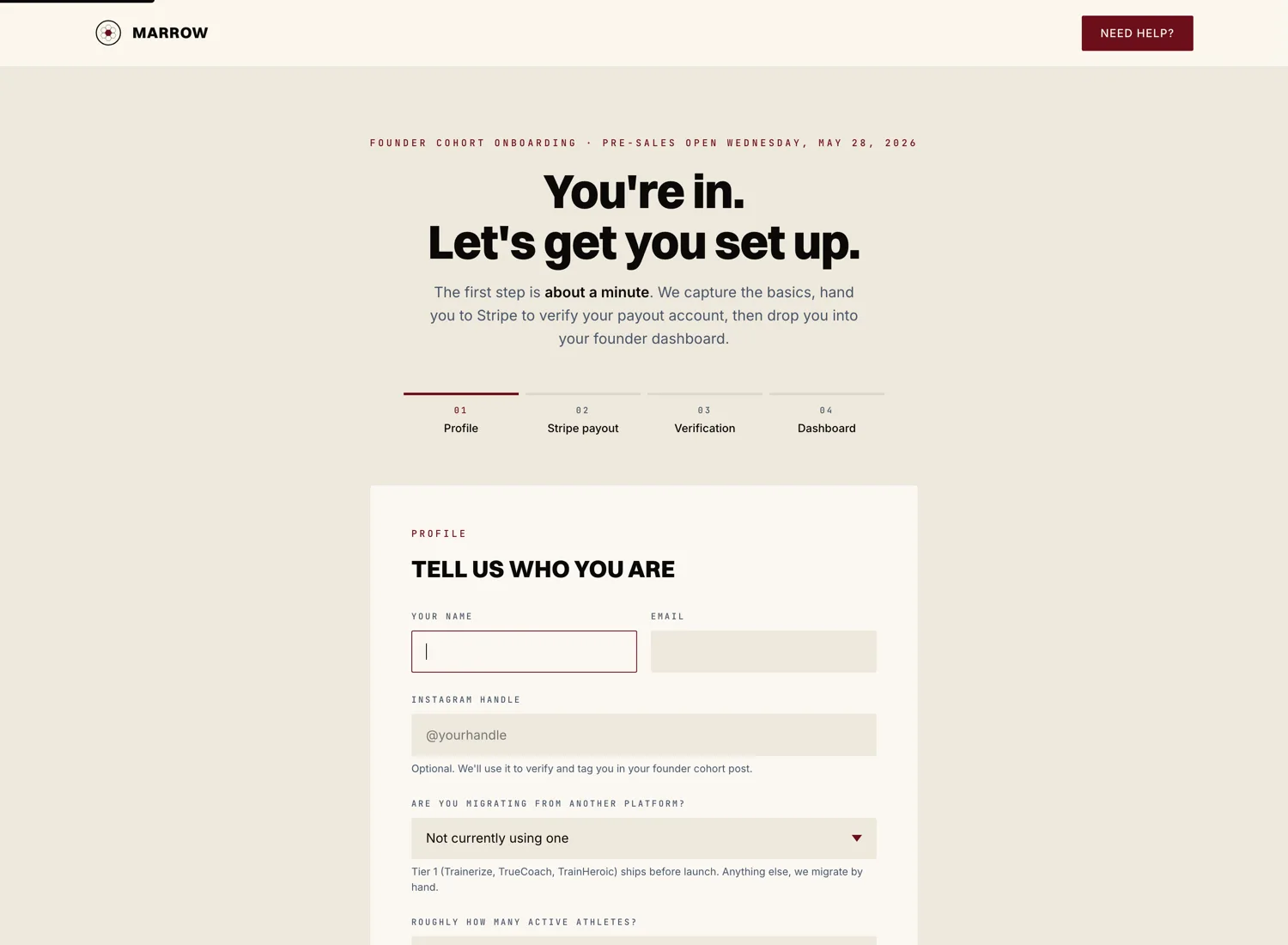
Sign in with your password
Your account opens as soon as you finish signup. Next time, sign in from the login screen with your email and the password you chose.
Finish your coach profile
The onboarding wizard walks you through six short panels. You can finish all of them in one sitting or save and come back.
- Profile. Your photo, your name, the city you coach out of.
- Credentials. Pick from the approved credential list. If yours isn't there, add it under "Other credentials."
- Modality. Strength, yoga, Pilates, mobility, conditioning, dance, martial arts, or meditation. Pick one primary and any number of secondary.
- Pricing. Set your monthly rate for one on one programming and any other revenue streams you plan to offer.
- Bio. A short paragraph about your work. This shows up on your public coach profile.
- Stripe. The final panel hands you off to Stripe Connect. See the next article for that piece.
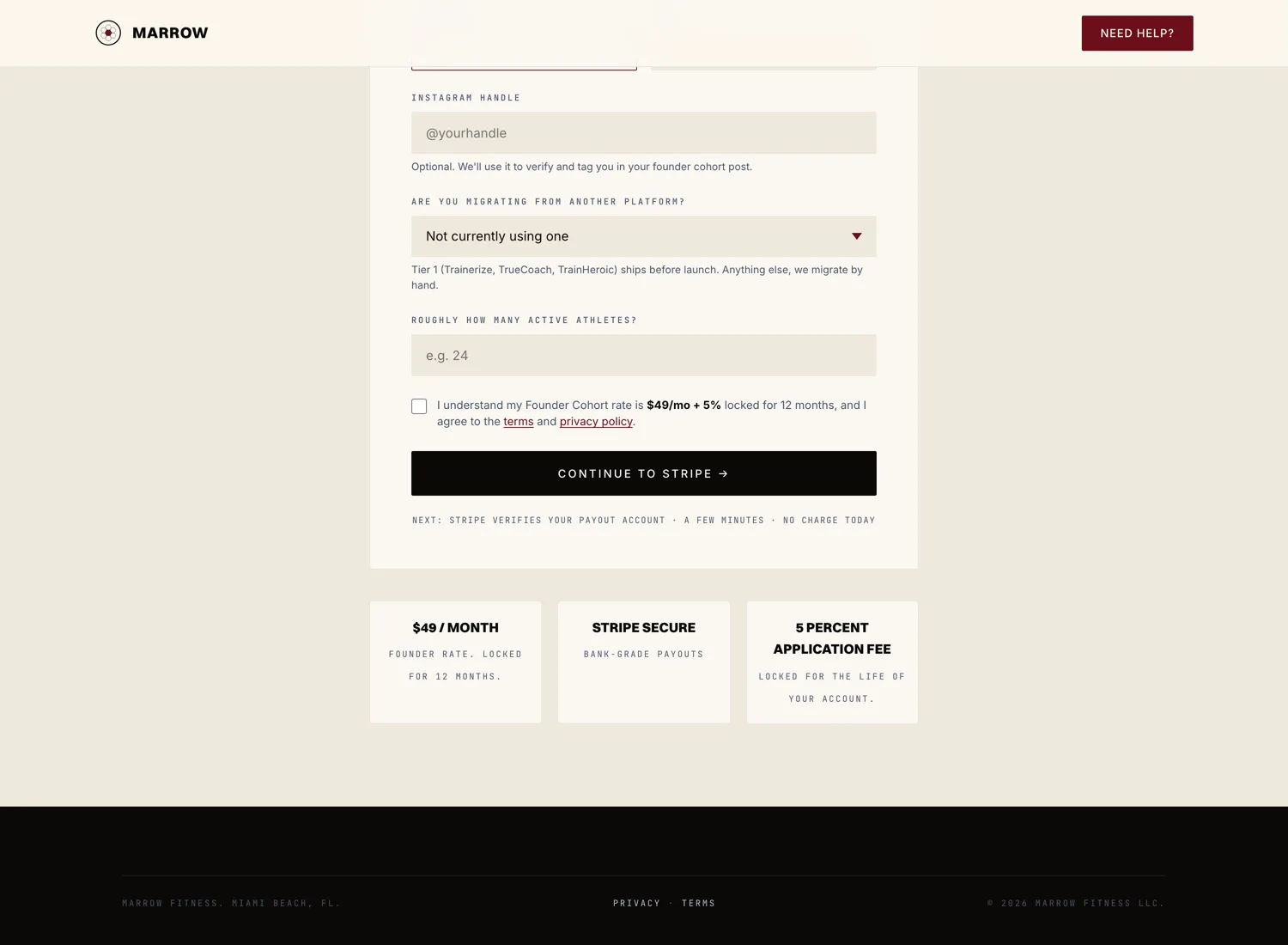
Connect Stripe and set up your plan
The last step in the wizard sends you to Stripe to finish payout onboarding. Once you complete Stripe, your account is live. Solo coaches are $99 a month, flat, with your branded app included. Marrow takes 8 percent of every payment we process for you. You land back on your coach dashboard ready to write a program and invite your first athlete.