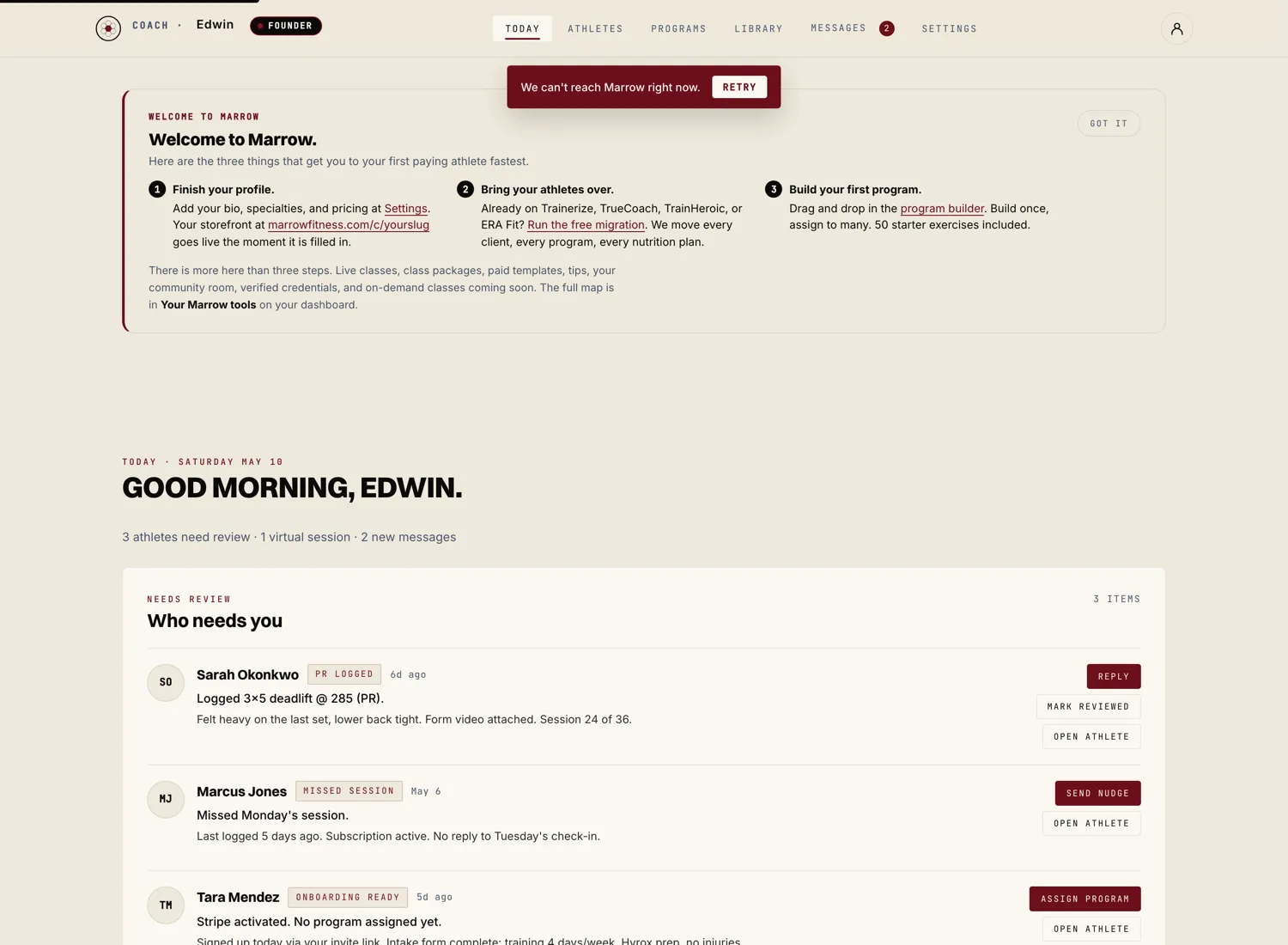
Stripe Connect is how athlete payments land in your bank account. The setup takes about five minutes and you only do it once.
Start the Stripe panel inside the wizard
At the end of the coach onboarding wizard, the Stripe panel hands you over to Stripe Connect Express. You can also reach it later from your coach dashboard under Money.
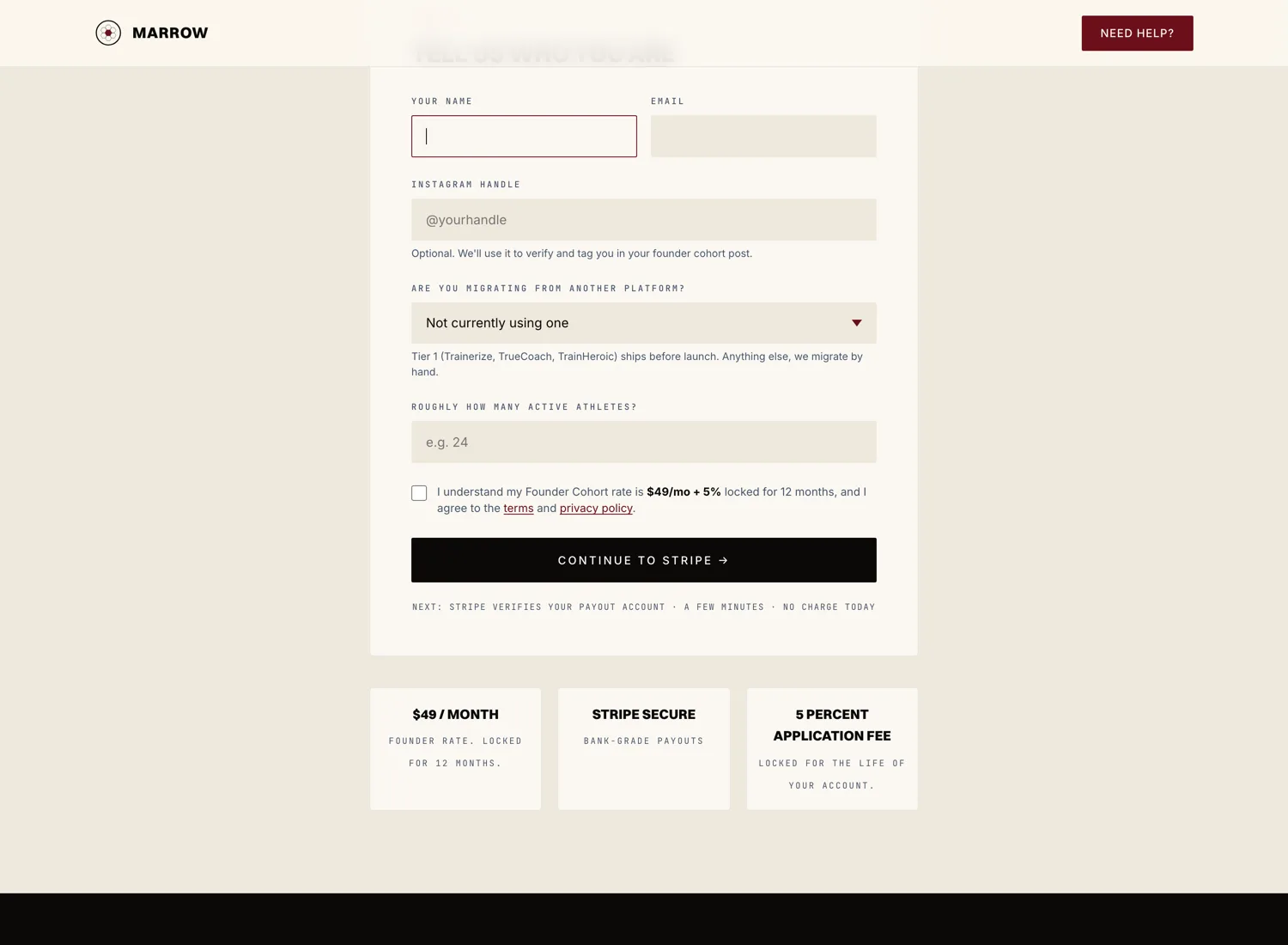
Confirm your business details on Stripe
Stripe asks for the basics. Most coaches answer in under five minutes.
- Your full legal name and date of birth.
- Your business address (a home address is fine for sole proprietors).
- Last four digits of your Social Security Number, or your EIN if you have one.
- The bank account where you want payouts to land. You can use a routing and account number or sign in to your bank.
Stripe handles this directly. Marrow never sees these details.
Verify your phone number
Stripe sends a verification code by text. Enter it on the next screen. If the code doesn't arrive, hit "Resend." If it still doesn't arrive, try a different phone number. The most common stuck point is a phone carrier blocking the short code; switching to a mobile line usually fixes it.
Land back on your dashboard
Once Stripe says "Done," you bounce back to your Marrow dashboard. You'll see a green "Payouts active" indicator on the Settings page. You are ready to charge athletes.