Your earnings dashboard shows gross revenue, fees, and net side by side. Stripe handles the payouts to your bank. You can see both inside Marrow.
Open the Earnings panel
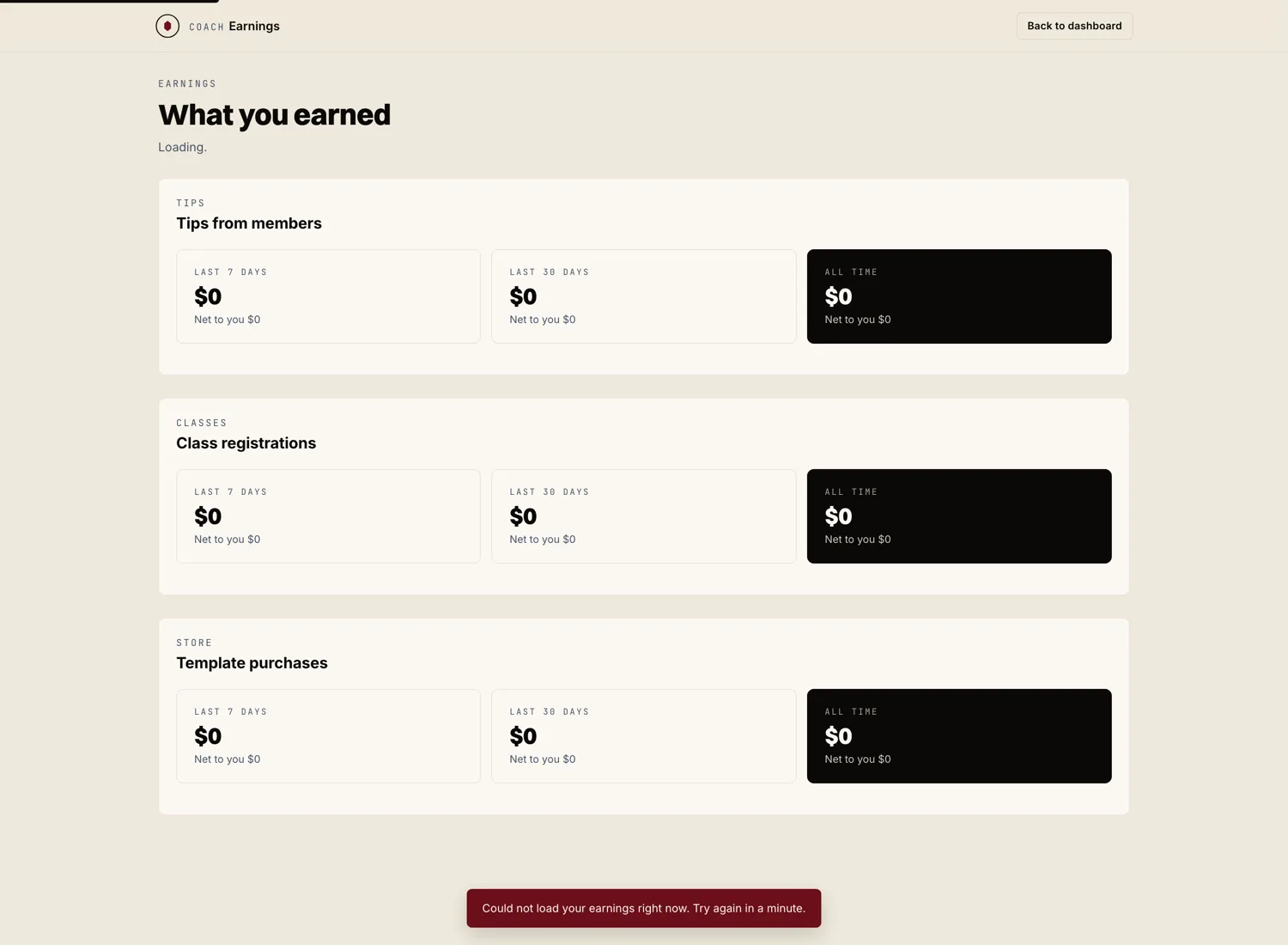
From your coach dashboard, click "Earnings" in the side nav. You land on a summary showing this month's gross, fees, net, and next payout date.
Read the columns
The transaction table shows one row per athlete payment. The columns are:
- Date. When the athlete was charged.
- Athlete. Who paid.
- Stream. Programming subscription, tipping, class ticket, template sale, etc.
- Gross. What the athlete paid.
- Stripe fee. Stripe's processing fee.
- Marrow fee. Our 8% on payments Marrow processes.
- Net. What lands in your Stripe balance.
Open the Stripe dashboard for payout history
Marrow shows you what was earned and when. For the actual payout schedule (when money leaves Stripe and hits your bank), click "Open in Stripe" at the top of the earnings panel. Stripe's dashboard handles payout cadence and bank transfer status.
By default Stripe pays out on a rolling two day schedule for U.S. accounts. You can change the cadence inside Stripe.
Export for accounting
Click "Export" at the top right of the earnings panel to pull a CSV of any date range. Use it for bookkeeping, tax prep, or sending to your accountant. We include the columns most U.S. accountants ask for.