Send an invite by email. They set a password and enter their card at your price, then you assign their first program.
Open the Athletes panel
From your dashboard, click "Athletes" in the side nav. Hit "Invite athlete."
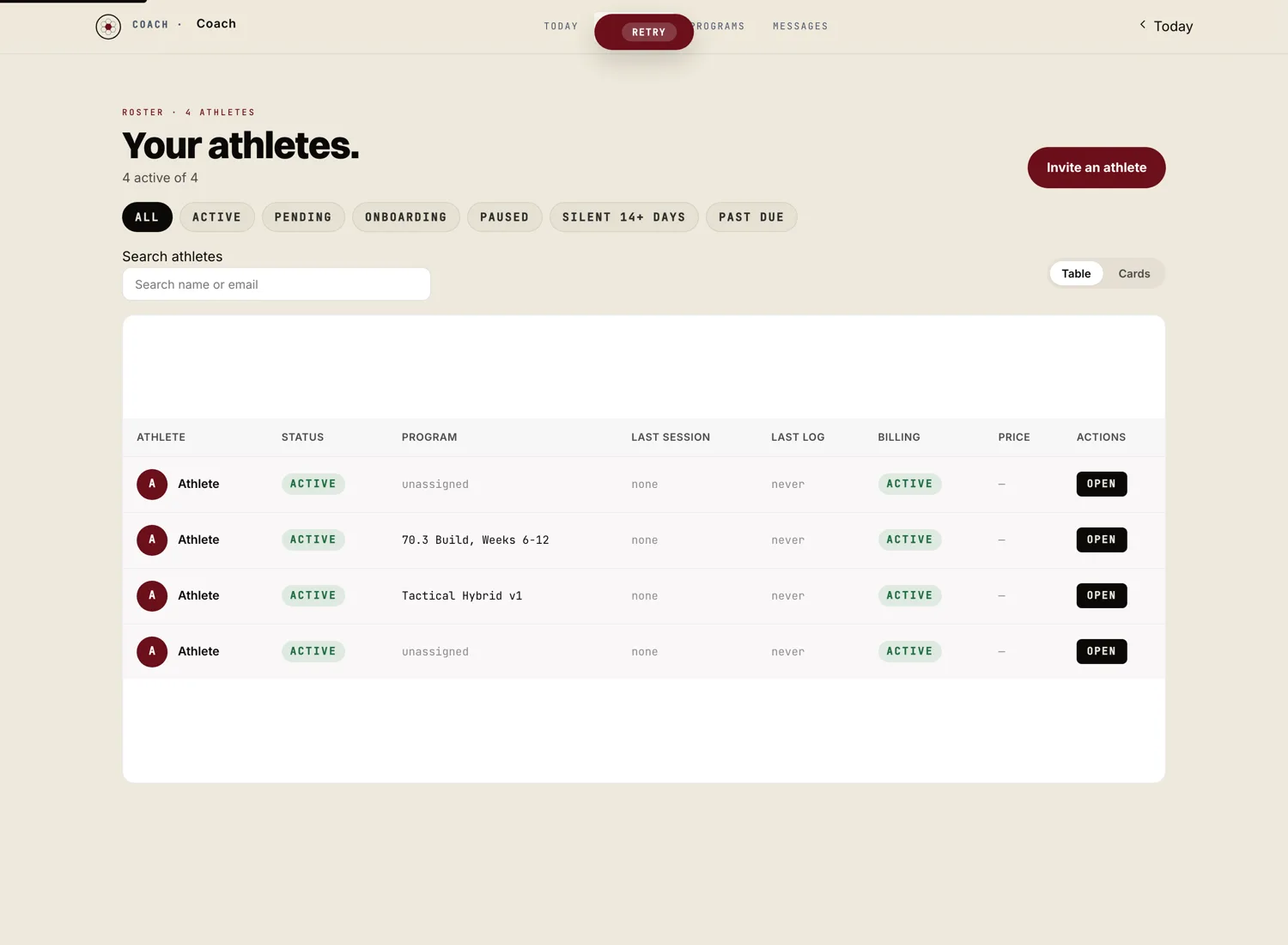
Enter their email and pick a plan
Type their email address. Pick the plan you want to put them on (the monthly rates you set during onboarding show up here). Add a one line personal note if you want. Hit "Send invite."
The athlete gets a clean, branded email from your address. It looks like a coach reaching out, not a SaaS notification.
The athlete accepts the invite and sets a password
The email reads your name, then "invited you to train together." They open the invite from that email, type their email, create a password and type it again. That email and password is how they sign in from then on. It takes about two minutes on a phone.
If you charge for training, they enter their card at your price right after setting their password, and the first charge runs then. The 8% platform fee comes off the top automatically. You see the net in your earnings the same day.
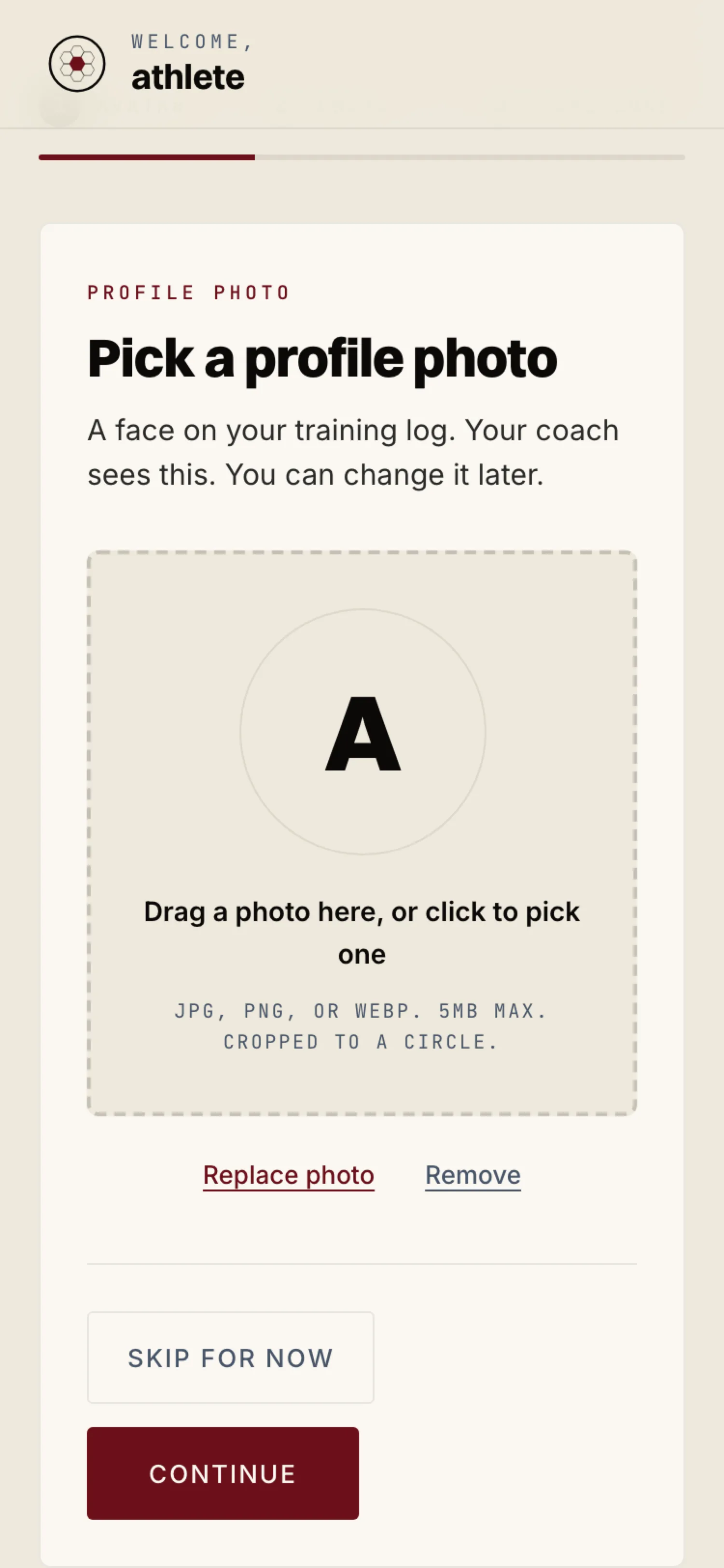
Assign their first program
Once they finish the wizard, they land on their dashboard. Back in your Athletes panel, click their name, hit "Assign program," pick the program, and set the start date. The athlete sees the first session in their app immediately.
Send a welcome note
Use the in app message thread to send a real welcome. The first message in their thread sets the tone of the whole relationship. Send it in the first hour, while they are still in the app and still deciding what this is going to feel like.